VR World
VR World

Noob Miner: Escape from prison
Obby On a Bike

Obby Rainbow Tower

Obby Toilet Line

Pandemic Simulator

Paradise Island 2
Pixel Fun Color By Number

Police Car Simulator

Raft Life

Real Driving Simulator

Royal Society

Russian Treasure Hunter

School simulator: My school

Sheep Sheep!

Sophie's Farm

Sort Mart

SORTSTORE

Spellmind
Sprunki

Squishy: Taba Paw ASMR

Steal Brainrot Arena

Steal Brainrot Eggs

Supermarket Sort N Match

Teacher Simulator Christmas Exam

Teacher Simulator
The Roman Empire Colosseum

Tower Stack 2026

Two Stunt Supercars
What The Hen!

Wooden bolts and nuts

Word Cross
WorldCraft 2

Foot Hospital

Yummy Tales 3
Find the Vampire

Solitaire Farm Seasons 3

Dream Kitchen

Papas Burger Cook

i8 City Driver

Mahjong Garden
การก่อสร้าง
เครื่องบิน
แพทย์
คลิกเกอร์
การบิน
ฟาร์ม
ไทคูน
ผจญภัย
VR World
3 votes
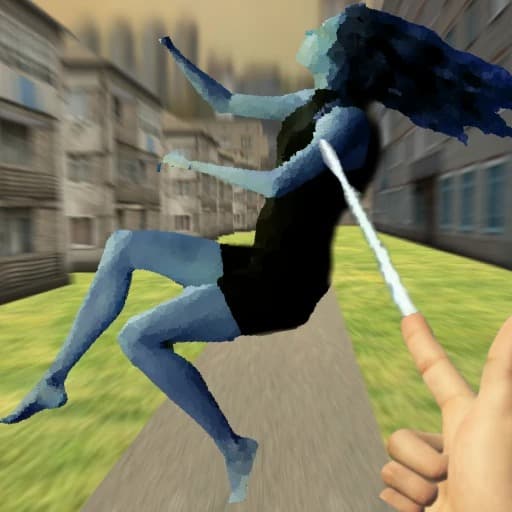
VR World is a 3D simulation game where you get to interact with a ragdoll world, manipulating little characters just like those viral VR videos, no special equipment needed. Dive into a playful sandbox where you can drag, toss, and even fight with these quirky puppets. Want to mix it up? Try out different jobs, from police officer to ambulance driver, and see what kind of chaos or fun you can stir up in this lively world.
Controlling your character is simple: use W, A, S, D to walk and your mouse to look around or interact. On your smartphone or tablet, just use the on-screen joystick and camera controls. Switching interaction modes is easy too, tap the mode change icon to try new ways of playing. VR World is completely free and runs right in your browser, whether you’re on desktop or mobile. No downloads or installs, just jump in and play!
How to play VR World
Controls:
W, A, S, D - Walking.
Mouse - Camera.
E - Menu / Interaction Settings.
Mouse buttons - Interaction.
Smartphone controls: Use the stick to control the character, and use the camera controls on the right side of the screen. To interact with another character, click on the character or drag their limb, depending on the interaction mode. To change the mode, click on the mode change icon.
Who created VR World?
VR World was created by . Play their other games on Playupi: Hidden Object: Emily's Case, Domino Online Multiplayer, Arrow Escape: Puzzle, Theo Morini's Magical Resort, Blockibo: Color Blocks.
How can I play VR World for free?
You can play VR World for free on Playupi.
Can I play VR World on mobile devices and desktop?
VR World can be played on your computer and mobile devices like phones and tablets.