The Flowers: Merge and Sell Bouquets
The Flowers: Merge and Sell Bouquets
Gummy Blocks

Halloween Merge Mania
Happy Glass Puzzles 2
Hazel Tangle Rope 3D: Sorting Puzzle

Hexa Sort Master

Hidden Object: Emily's Case
Hidden Pairs Mahjong

Home Makeover
Hook Pin Jam

Ice Cream Inc.
Jewel Christmas Story

Jewels Blitz 4

Jewels Blitz 5

Jungle Jewels Connect
Jungle Temple Blast

Key Quest

Kingdom match
KrisMas Mahjong

Magic Bottles

Magic Christmas Tree Match-3
Magic Lines
Magic Tri Peaks Solitaire
Mahjong Connect
Mahjong Deluxe
Mahjong Duels
Mahjong Impossible
Mahjong Link
Mahjong Royal
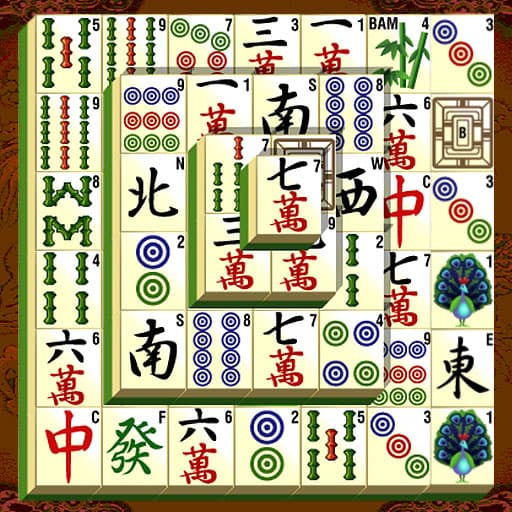
Mahjong Shanghai Dynasty
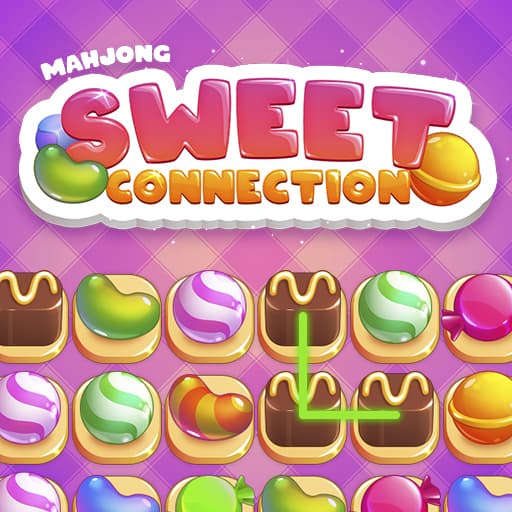
Mahjong Sweet Connection
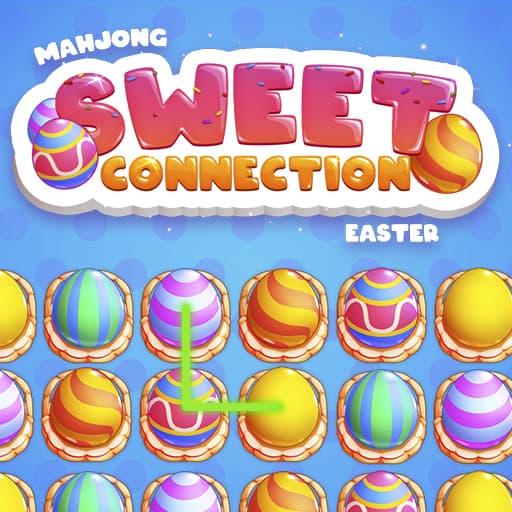
Mahjong Sweet Easter
Mahjong Tile Club
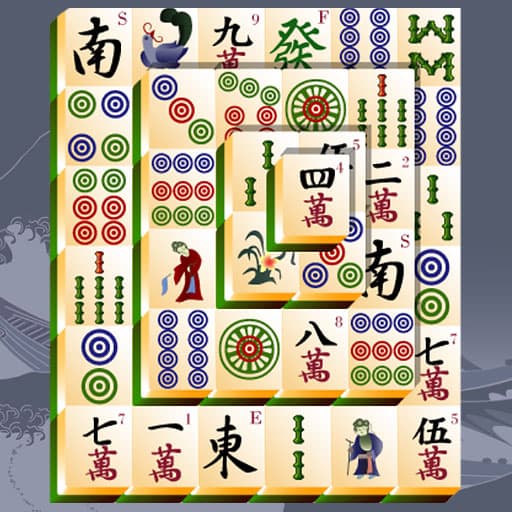
Mahjong Titans
Match Arena

Match Masters
Math Crossword Puzzle - Genius Edition

Maze Escape Challenge
Merge Beasts

Merge Fruit

Merge Fruit
Mantiq
Platformer
Heyvan
Silah
Macəra
2 Oyunçu
Qaçış
Cəza

The Flowers: Merge and Sell Bouquets
No votes yet
The Flowers: Merge and Sell Bouquets is a merge puzzle game that invites you to create beautiful bouquets in a peaceful, garden-inspired setting. Your goal is to combine matching flowers as they drop into a doorway-shaped play area, merging them into new blossoms and ultimately crafting bouquets to fulfill customer orders. Compete with others for the highest coin earnings and see if you can climb the leaderboard, all while enjoying a soothing, relaxing vibe.
To play, move each flower into position using your finger or mouse, then release to let it fall. When identical flowers collide, they merge into a different flower. Keep an eye out for the letter icon at the top, this signals a new bouquet order for you to complete. Prune away unwanted blooms and keep your garden thriving. Play for free online, right in your browser on desktop or mobile, no downloads needed!
How to play The Flowers: Merge and Sell Bouquets
1. The entire game takes place in a doorway-shaped play area.
2. A flower appears at the top, which moves with your finger or mouse cursor.
3. Release the mouse button or your finger to make the flower fly down.
4. Make the identical flowers collide and then they will join together to become another flower.
5. When the letter icon appears at the top of the screen, it means you have received an order for a new bouquet.
Who created The Flowers: Merge and Sell Bouquets?
The Flowers: Merge and Sell Bouquets was created by . Play their other games on Playupi: Night Club Security, Bloom Within: A life simulator, Obby Champions, Tap Away Block Puzzle 3D, 100 Doors Escape Room.
How can I play The Flowers: Merge and Sell Bouquets for free?
You can play The Flowers: Merge and Sell Bouquets for free on Playupi.
Can I play The Flowers: Merge and Sell Bouquets on mobile devices and desktop?
The Flowers: Merge and Sell Bouquets can be played on your computer and mobile devices like phones and tablets.